
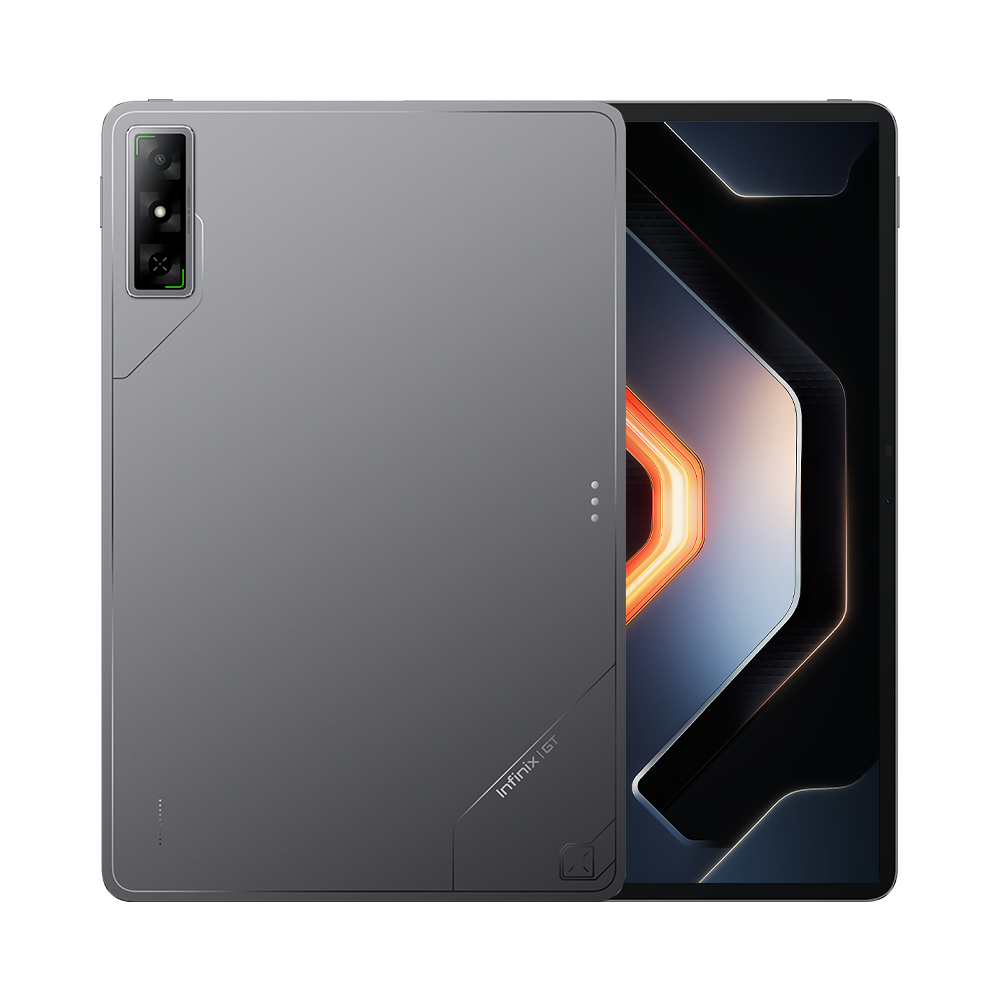
Infinix XPAD GT X1301 File Flash StockROM

Peace be upon you…
Flash File XPAD GT X1301
Welcome back to the website firmware27.com.
This time, we are sharing the Infinix XPAD GT X1301 firmware file.
This firmware is the global version and already includes Gapps or Play Store.
It is to fix bootloop issues caused by incorrect ROM flashing, deadboot, softbrick, excessive ads, and other software problems…
How to Flash XPAD GT X1301
What is needed:
- PC/Laptop
- Qualcomm Driver
- QFIL tool or other Qualcomm tools that are supported
Example: here we use QFIL
Open QFIL and select Meta build
Change Storage Type to UFS
Load content and select the one in the firmware named contents.xml so that it can be recognized
Turn off the boot button, hold volume up and down, then plug in USB so Qloader 9008 is detected
Select the port where Qloader 9008 is detected
Click Download Content
Wait for the flashing process to finish.
Download Firmware
X1301-TC843A-U-OP-250808V32.7z
Type: StockROM Size: 2.04GB
Download via Mediafire link
History version
X1301-TC843A-U-RU-250804V26